
Live
The score, the time and every incident with its minute. The page updates by itself.
New The weekend’s match schedule
MiMarcador is your club’s digital scoreboard. You run it from your phone, it shows full screen at the pitch, and families follow it live without signing up.
1You tap iton your phone
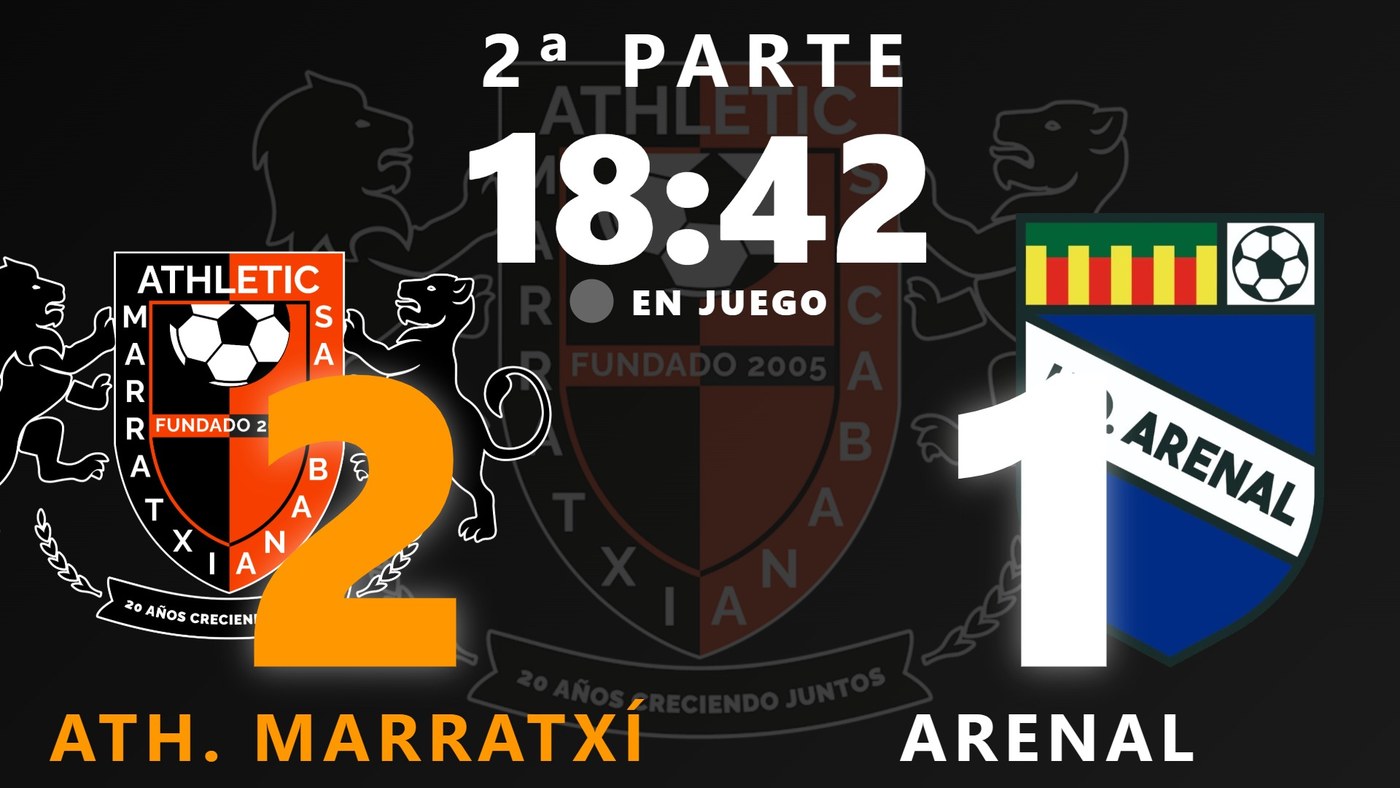
2It appears at the pitchfull screen, instantly
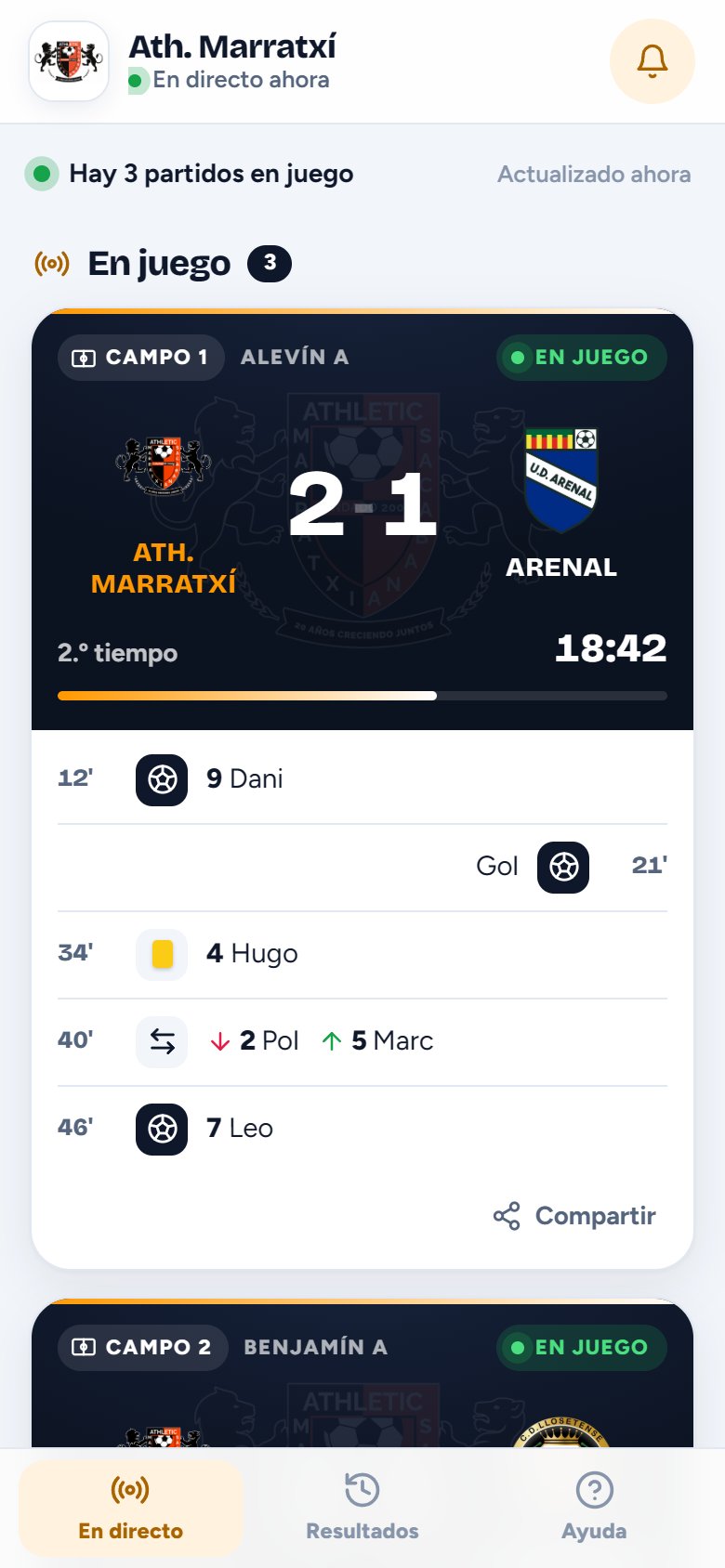
3And they follow it at homelive
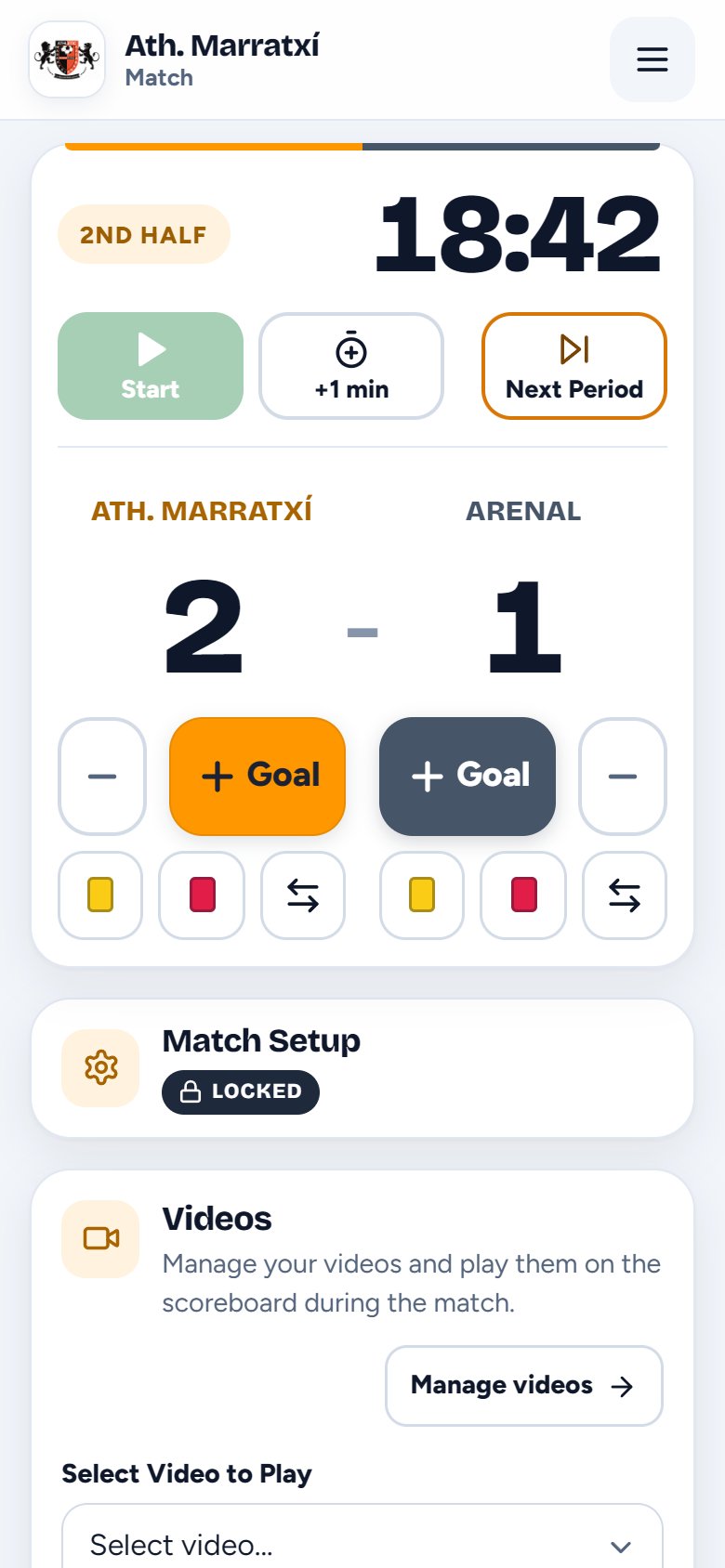
This is what the person on the touchline has on their phone, and the heart of MiMarcador: time, period, goals, cards and substitutions, each with its own button. Whatever you tap appears instantly on the pitch screen.
The clock and the current period, nice and big. The server keeps time: if your phone switches off, it keeps counting.
The green button starts the clock. “Next Period” closes the current one and resets to zero, for halves or quarters.
+1m adds a minute to the clock, for stoppage time or a late start.
Tap + and choose who scored: the pitch screen shows the celebration with their name. The − removes the last one.
Yellow or red: choose the player and it appears on the screen with their number and name.
Tap who’s coming off and who’s going on, no typing shirt numbers. Both appear at the pitch, with their photos if they have them.
With the team’s squad loaded, names and photos appear. Without it, the scoreboard works just the same.
Five moments on the controls, exactly as they look on the phone screen.
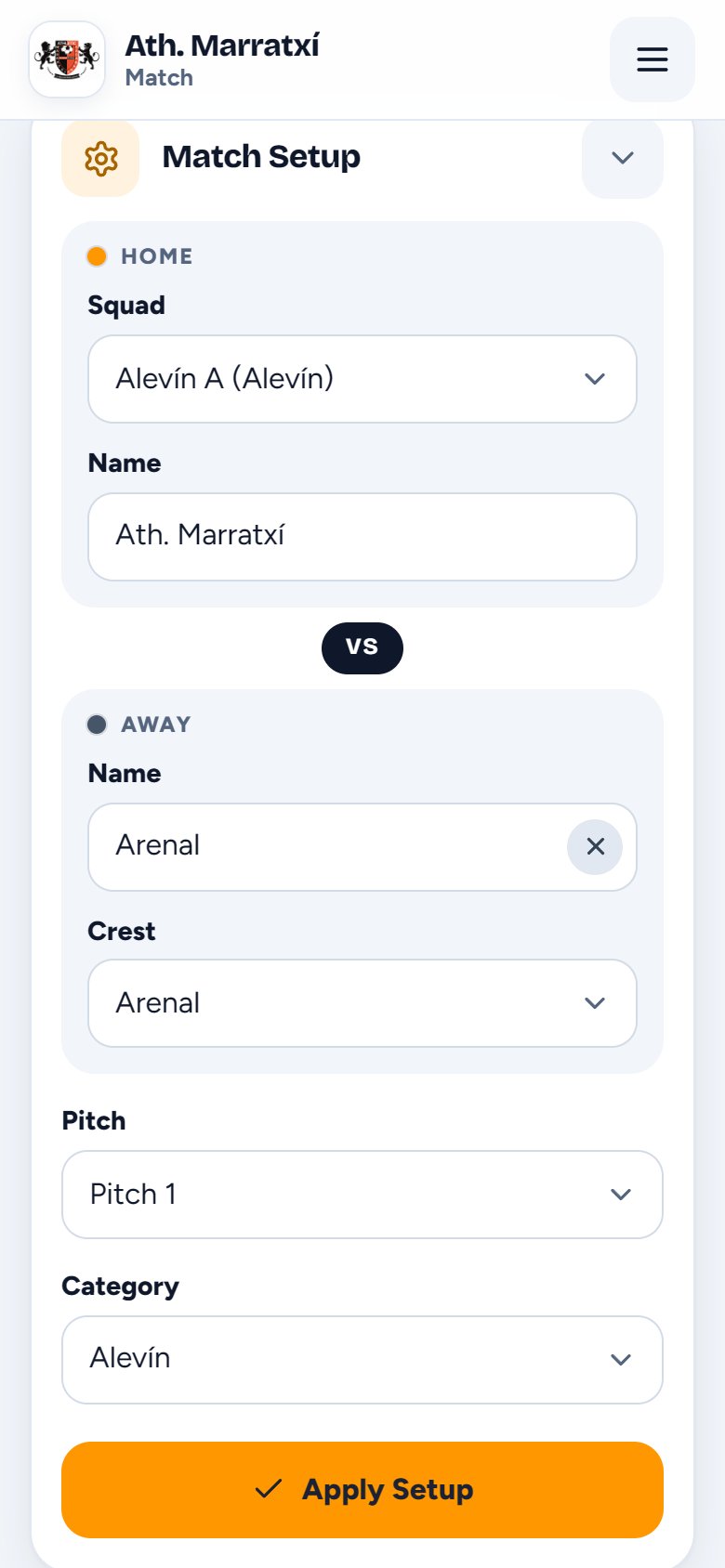
Choose the squad, the opponent with their crest, the pitch and the age group. It takes two minutes.
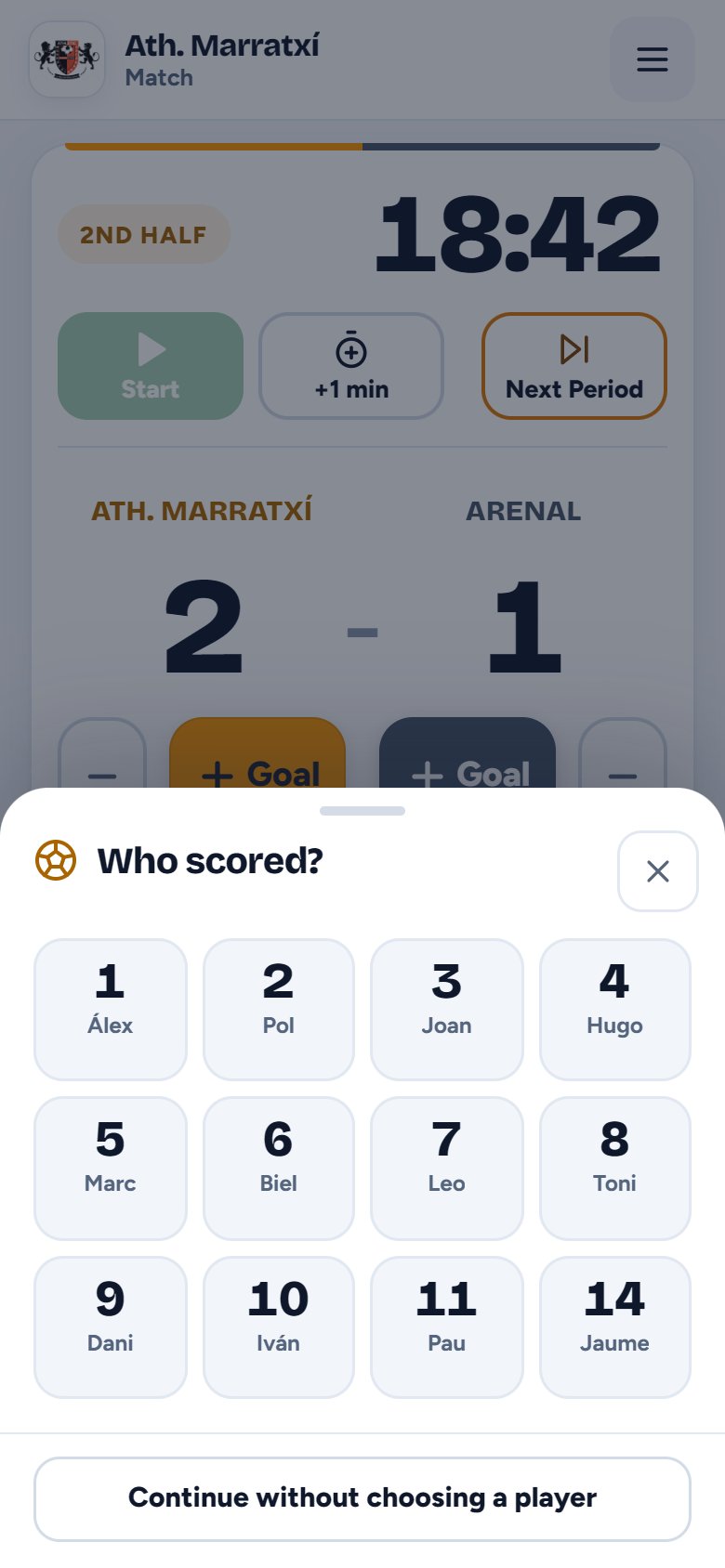
“Who scored?” One tap on their number and you’re done.
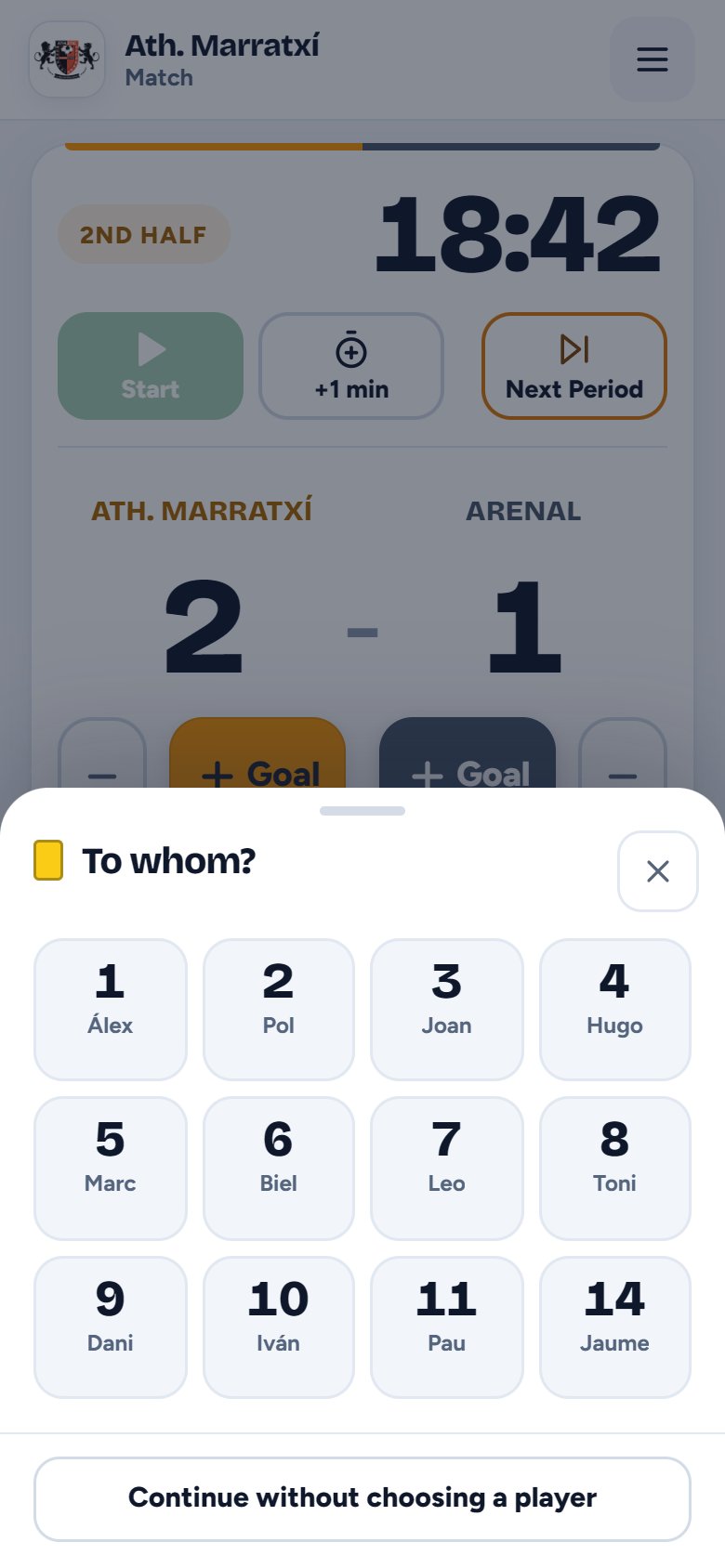
“To whom?” It appears with their name on the pitch screen.
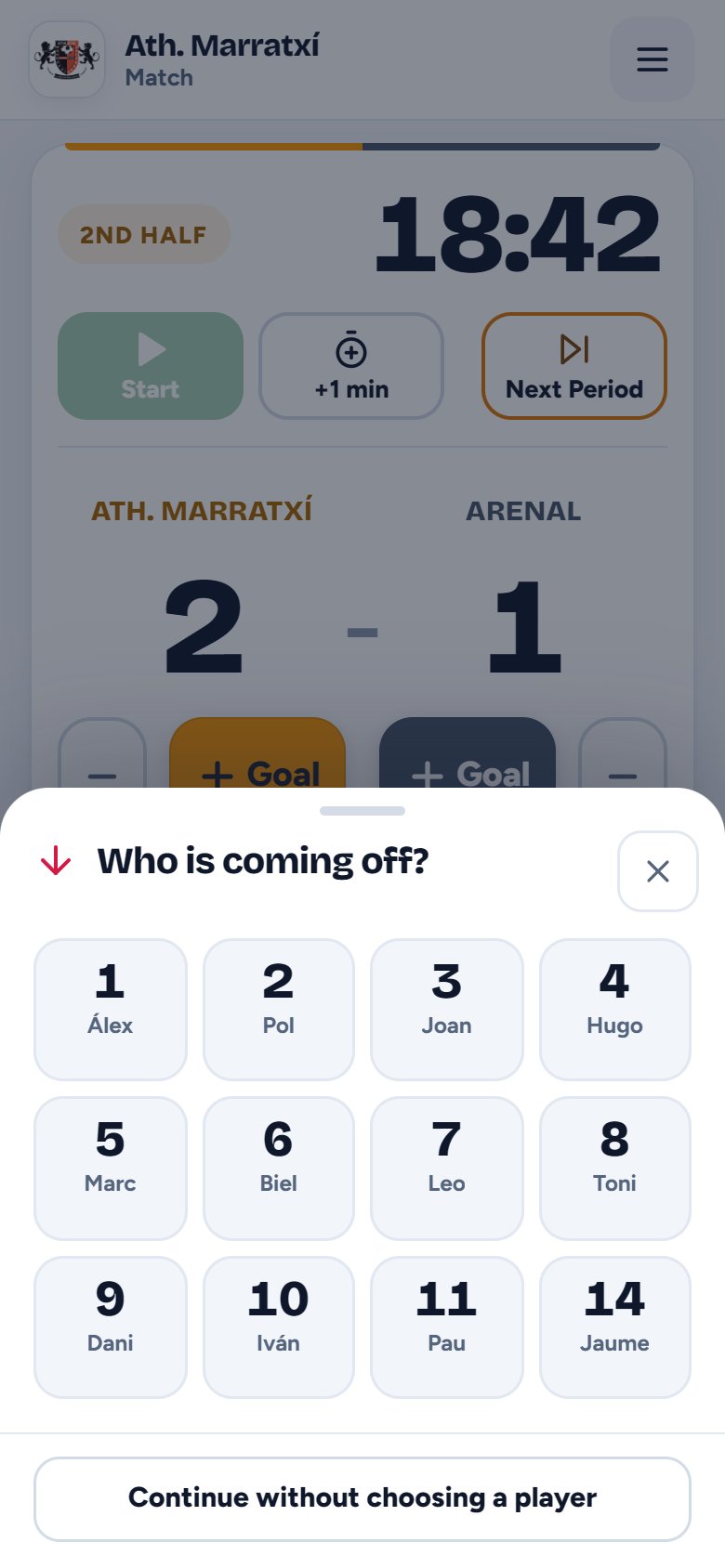
First who’s coming off, then who’s going on.
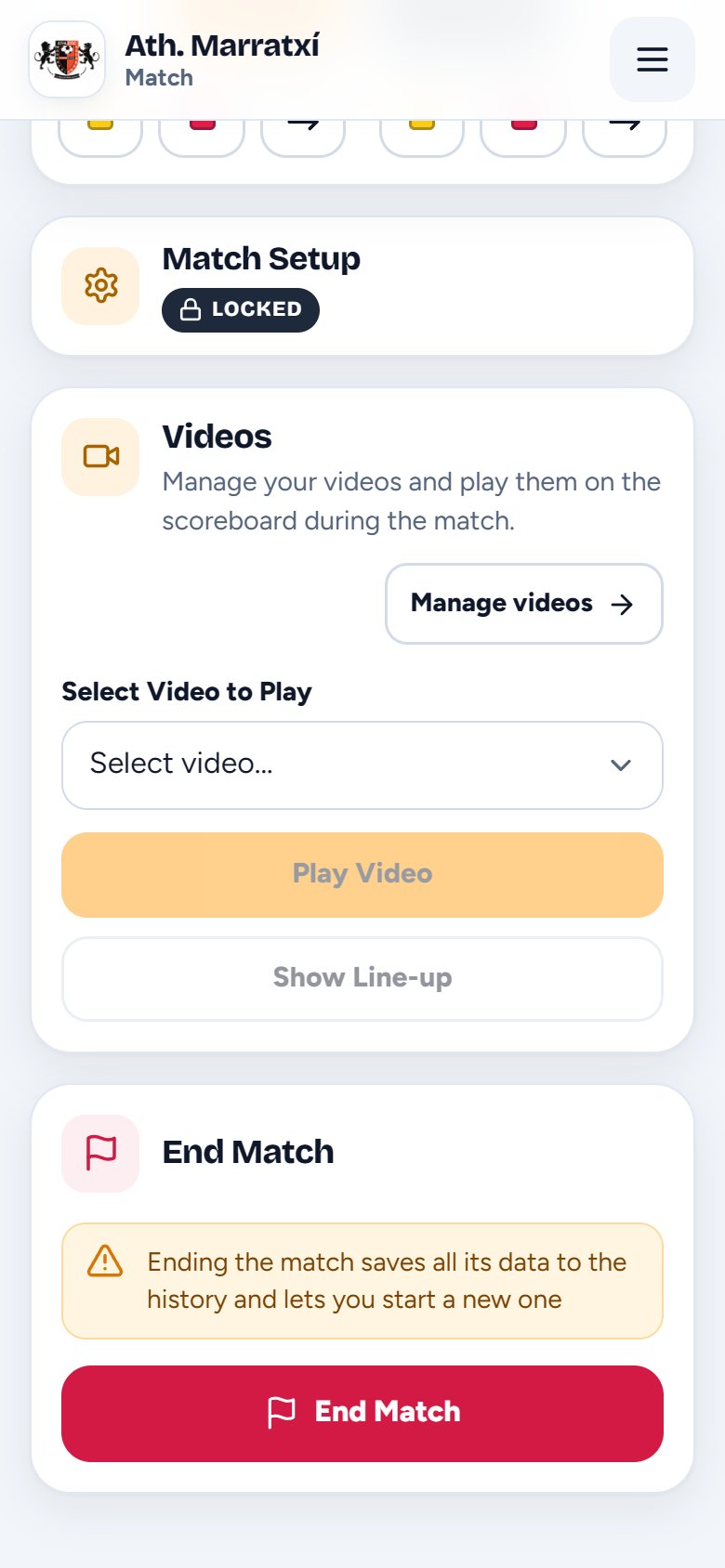
“End Match” saves it to the history, with goals, cards and substitutions, and frees up the pitch.
The scoreboard full screen, with the crests, the colours and the club logo. You can read it from the other end of the pitch. And when something happens, the screen tells everyone.
With the opponent’s crest from the shared catalogue, and your club’s logo in the background.

After the goal animation, 15 seconds with their photo, shirt number and name.

Pick the goal animation in the club settings: the classic one or the mascot.

Full screen for 15 seconds, with the number and name of the player booked.
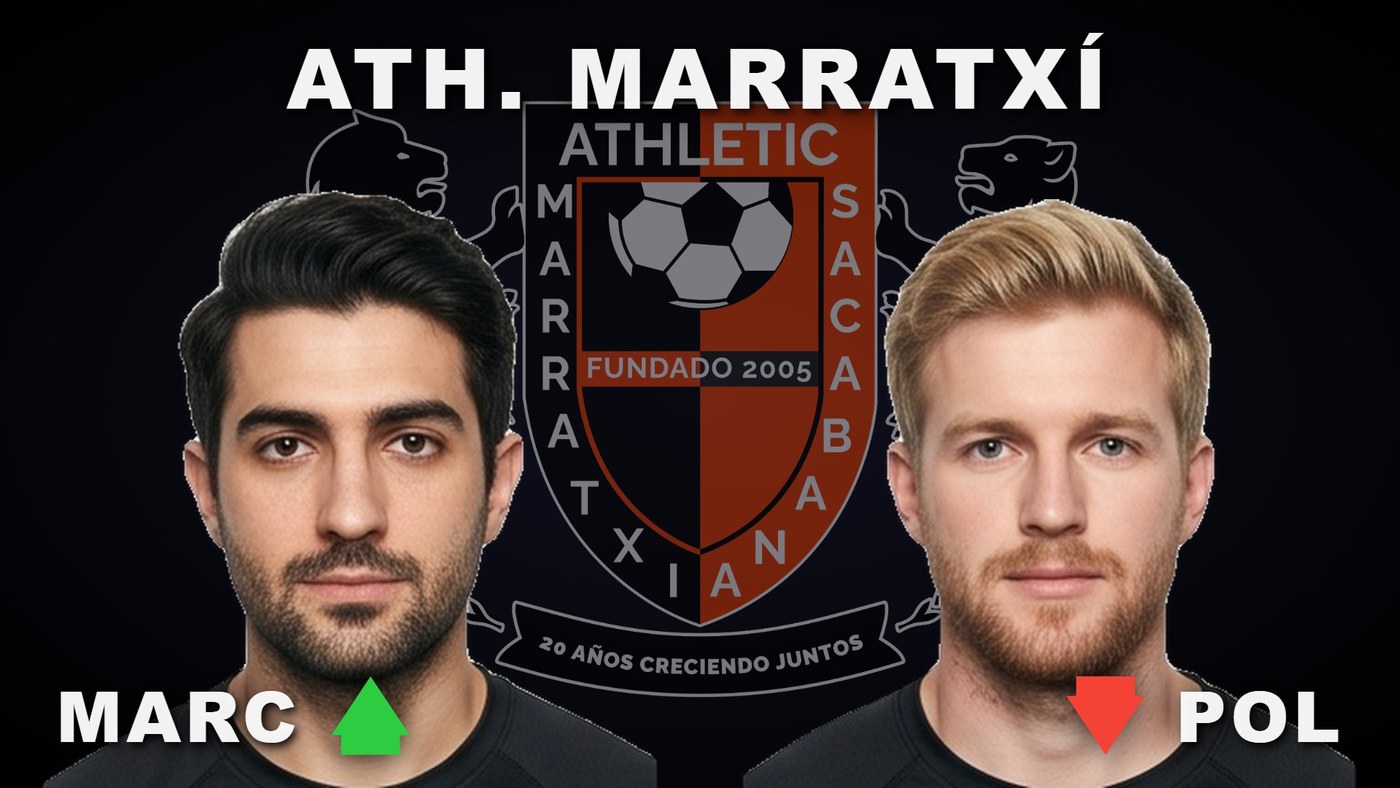
Both photos over the club crest: a green arrow for the player coming on and a red one for the player going off.

The players one by one, with their photo, shirt number and name.

Something lost, a car blocking the entrance or a congratulations. You choose how many minutes it stays up.

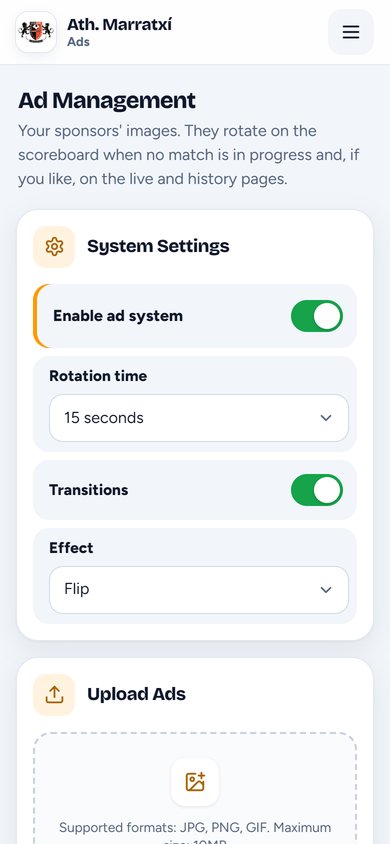
When no match is in play, the sponsors’ ads take turns on the screen.
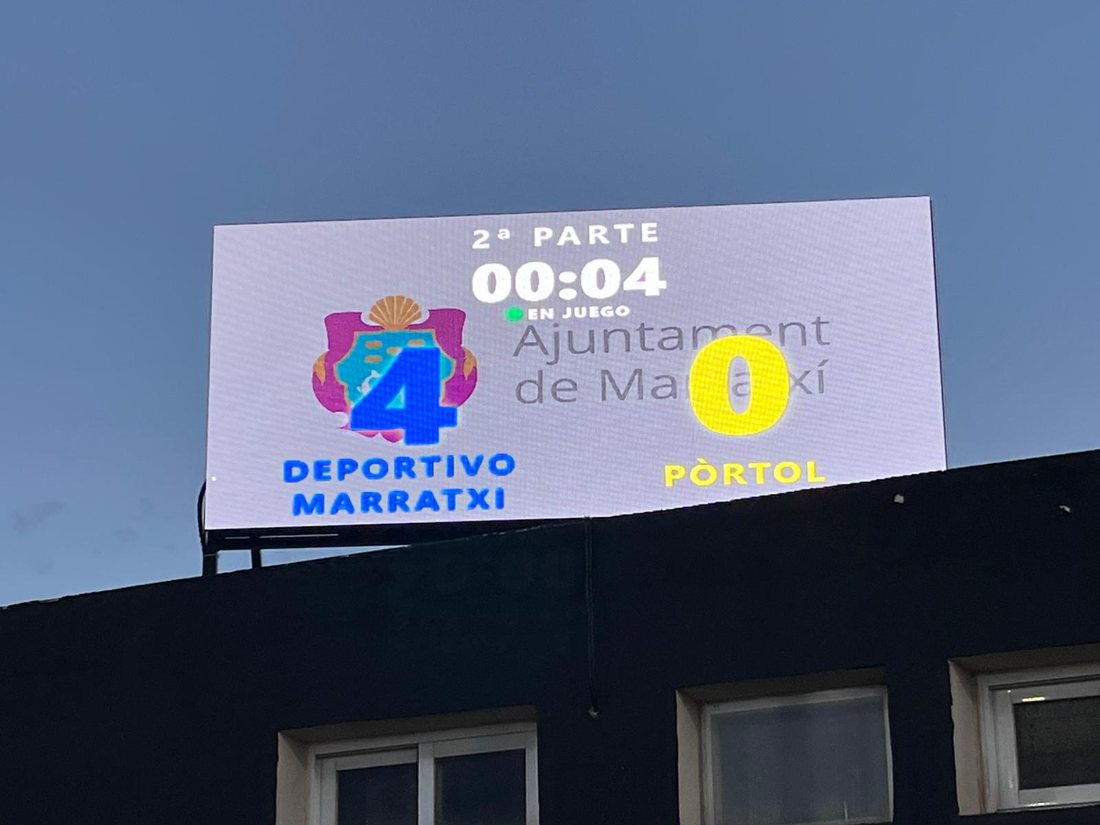

On Saturdays with several matches at once, the screen shows them all: as many matches as the club has pitches. It moves from one to the next with the pitch name at the top, and if there’s a goal on another pitch, it jumps to that match to celebrate it.
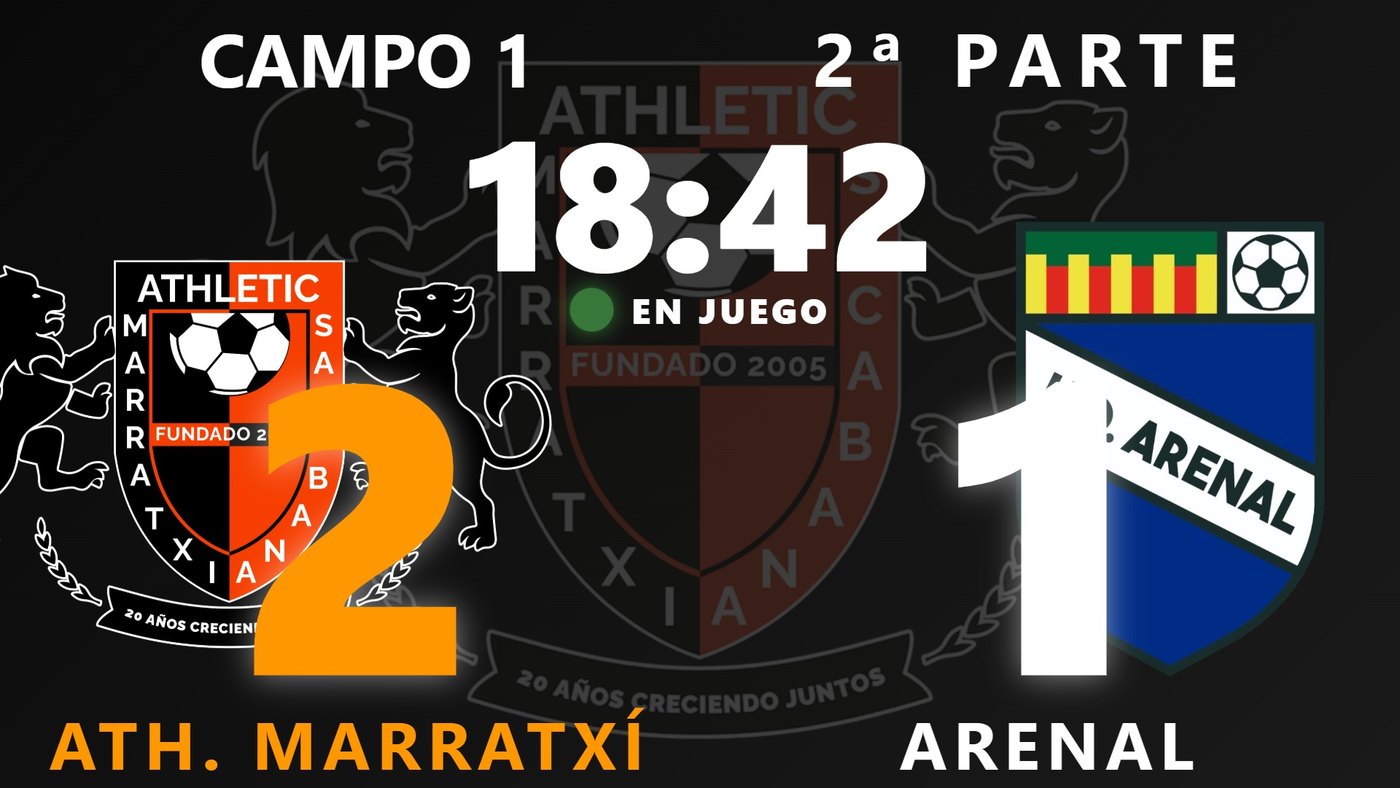
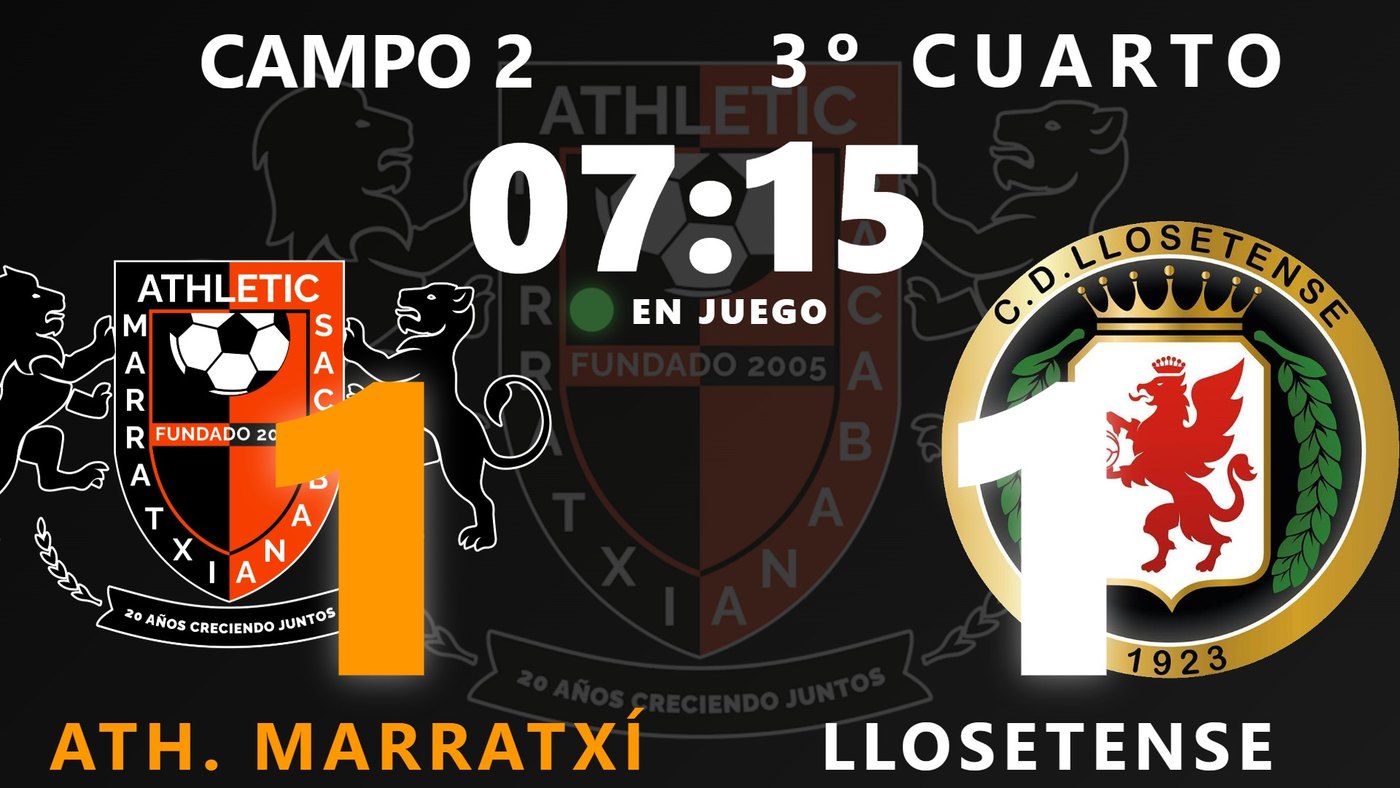
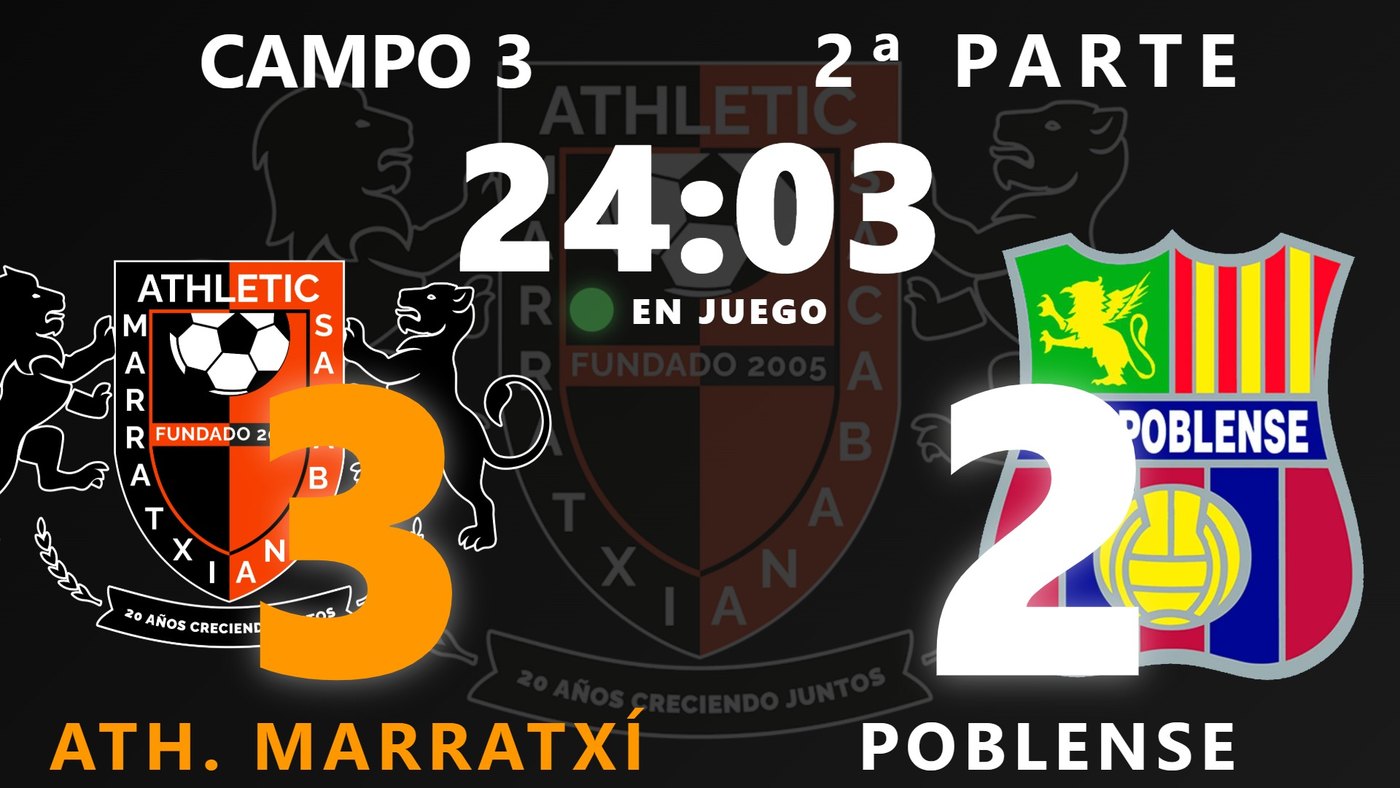

With the club’s address, something like mimarcador.es/your-club, they see the score, the minute and who scores. No sign-up, nothing to install.

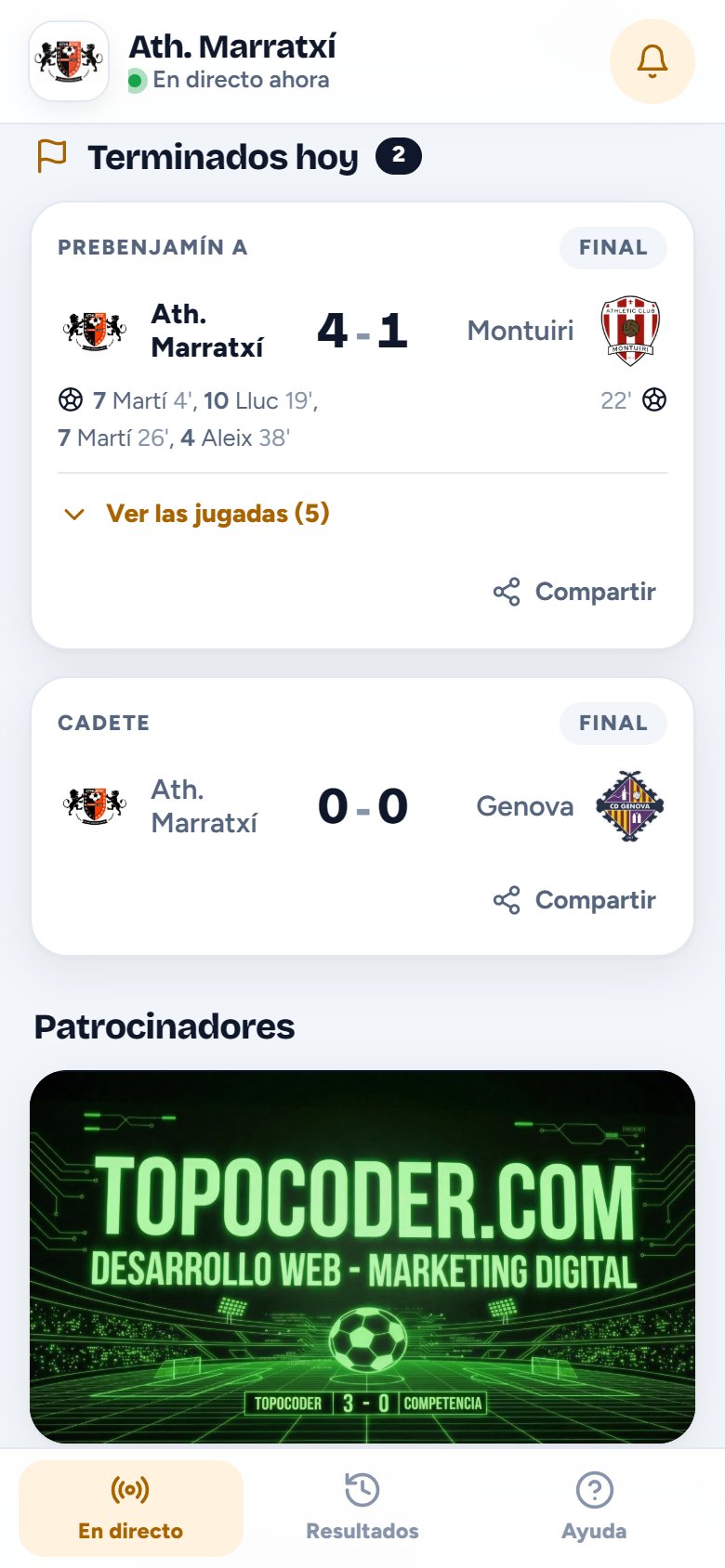
The score, the time and every incident with its minute. The page updates by itself.
Kick-off, goals, substitutions, cards and full time: each family chooses which teams and what they want to hear about.
Add it to your home screen with the club crest as the icon, no app store needed.
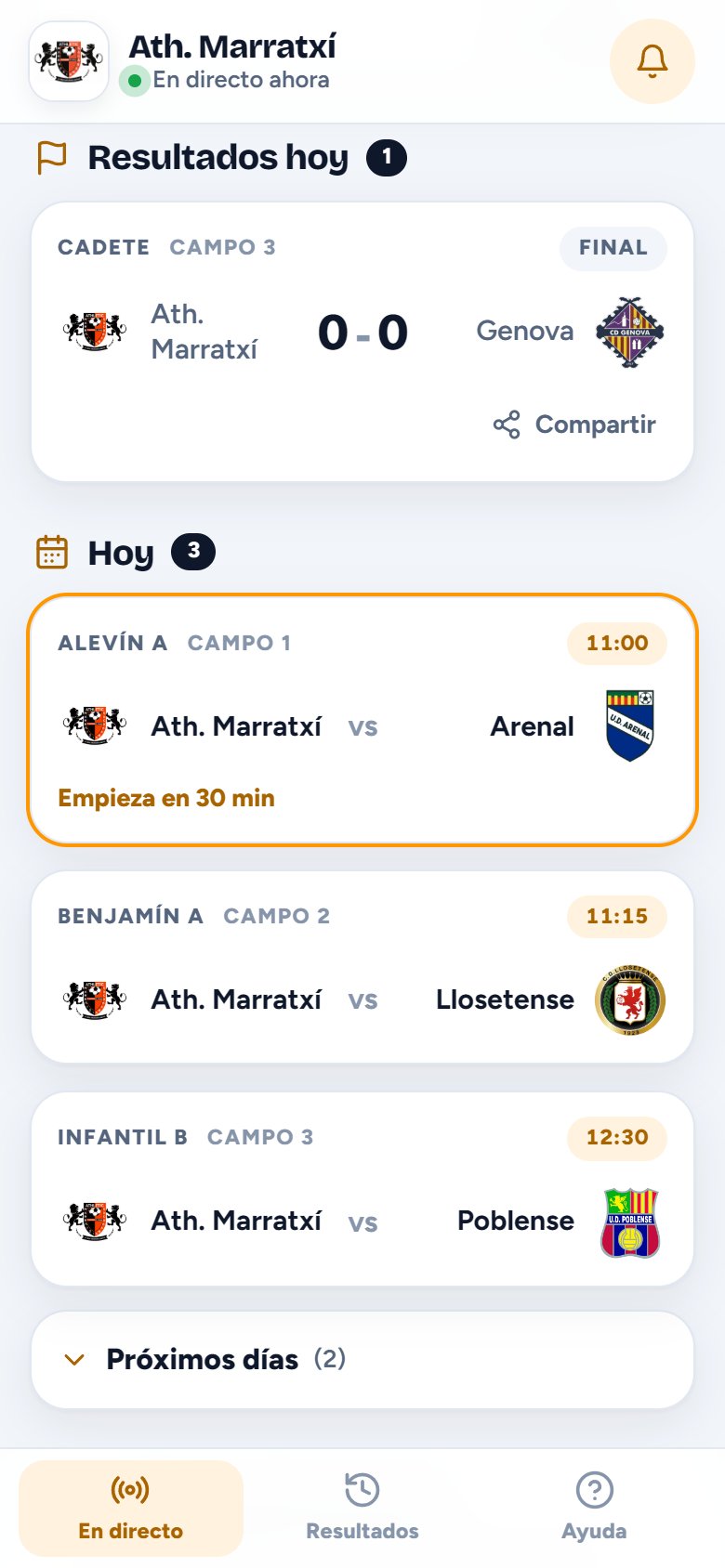
The day’s finished matches, with their goals, and those from other matchdays in the history.
The club enters Saturday’s and Sunday’s matches just once. From the moment it’s switched on, the pitch screen shows what’s being played today, each coach loads their match with one tap, and families know what time and on which pitch their team plays.
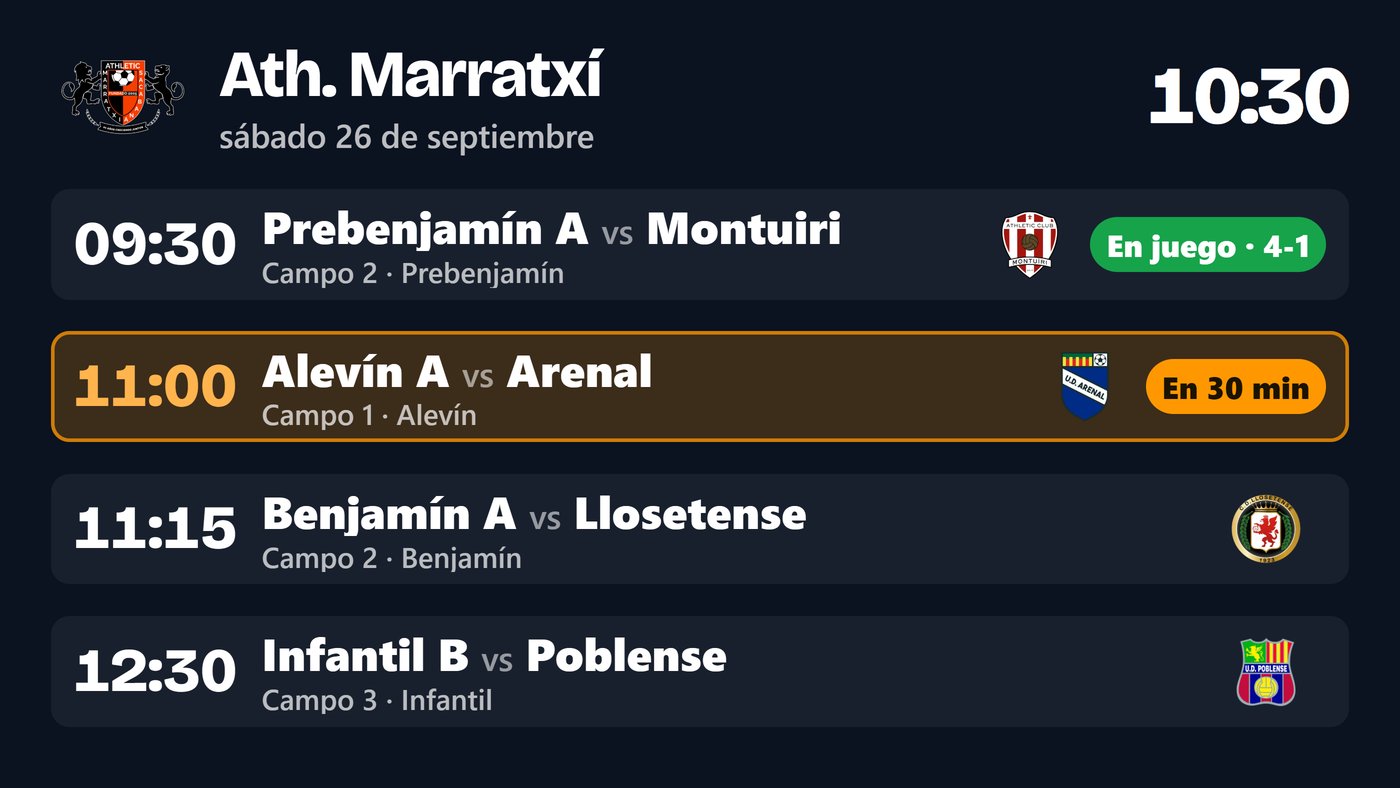
The next four matches, with their time, pitch and the opponent’s crest. The one starting in less than an hour is highlighted, and the one in play shows its score.
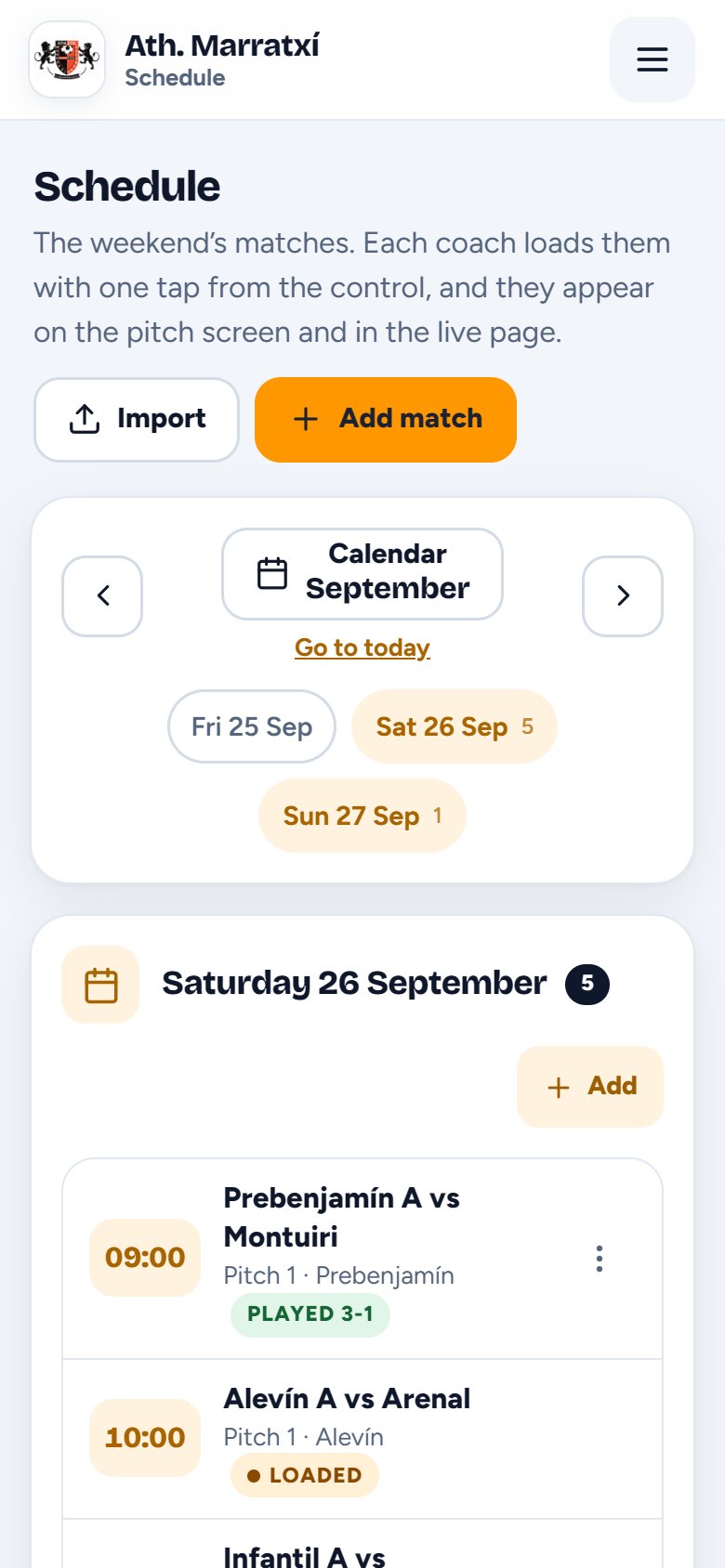
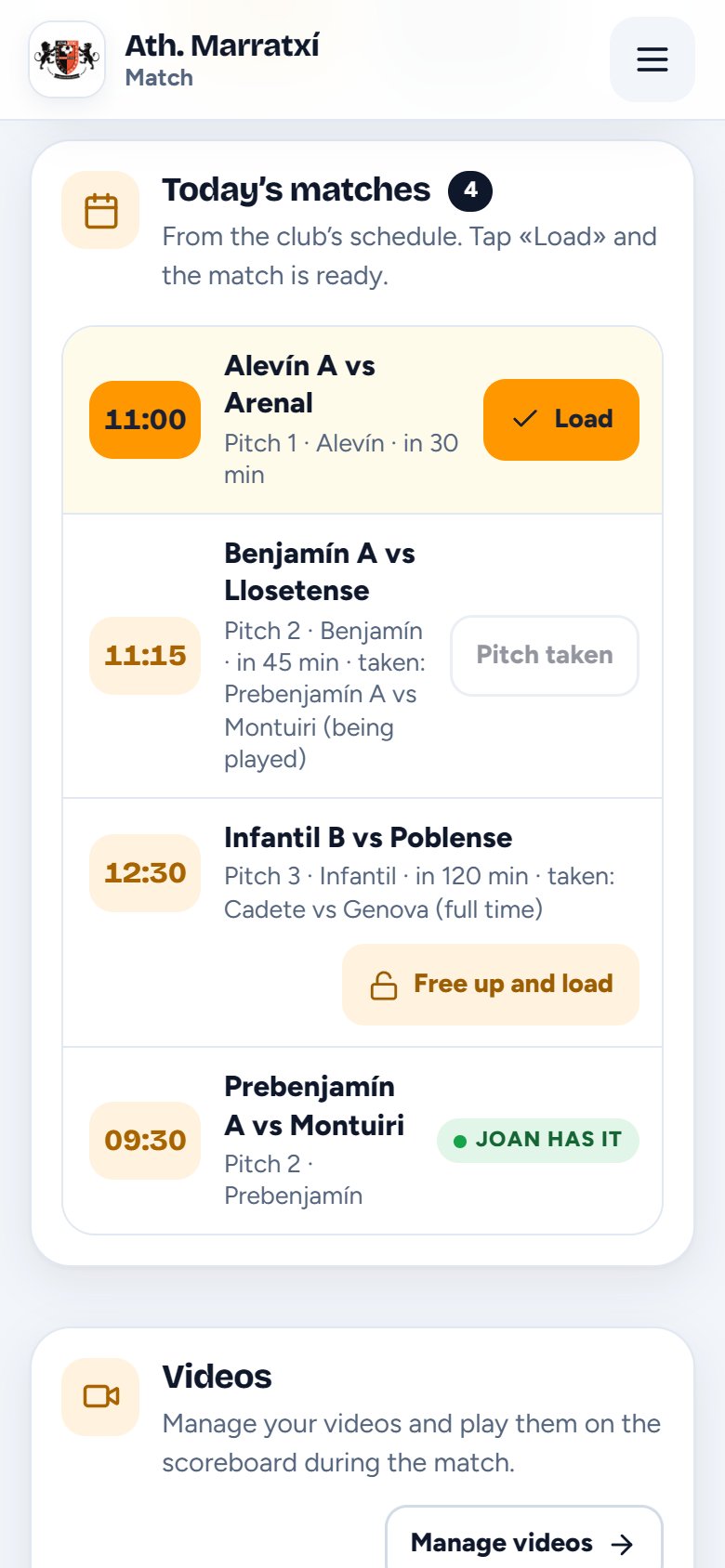
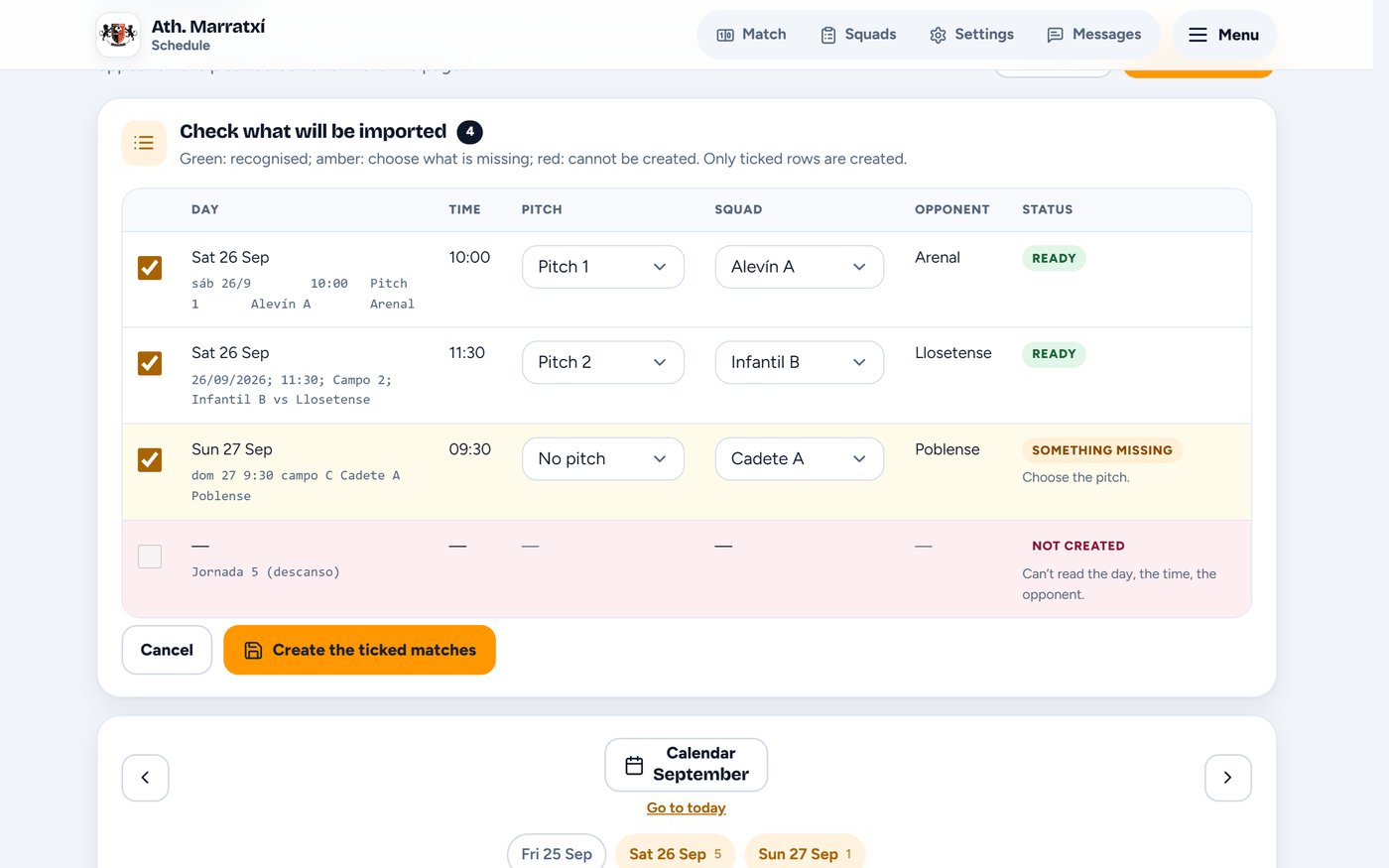
Copy the matches from the federation website or a spreadsheet and paste them in. Before anything is created you see every line: green for what’s recognised, amber for what still needs choosing and red for what can’t be understood.
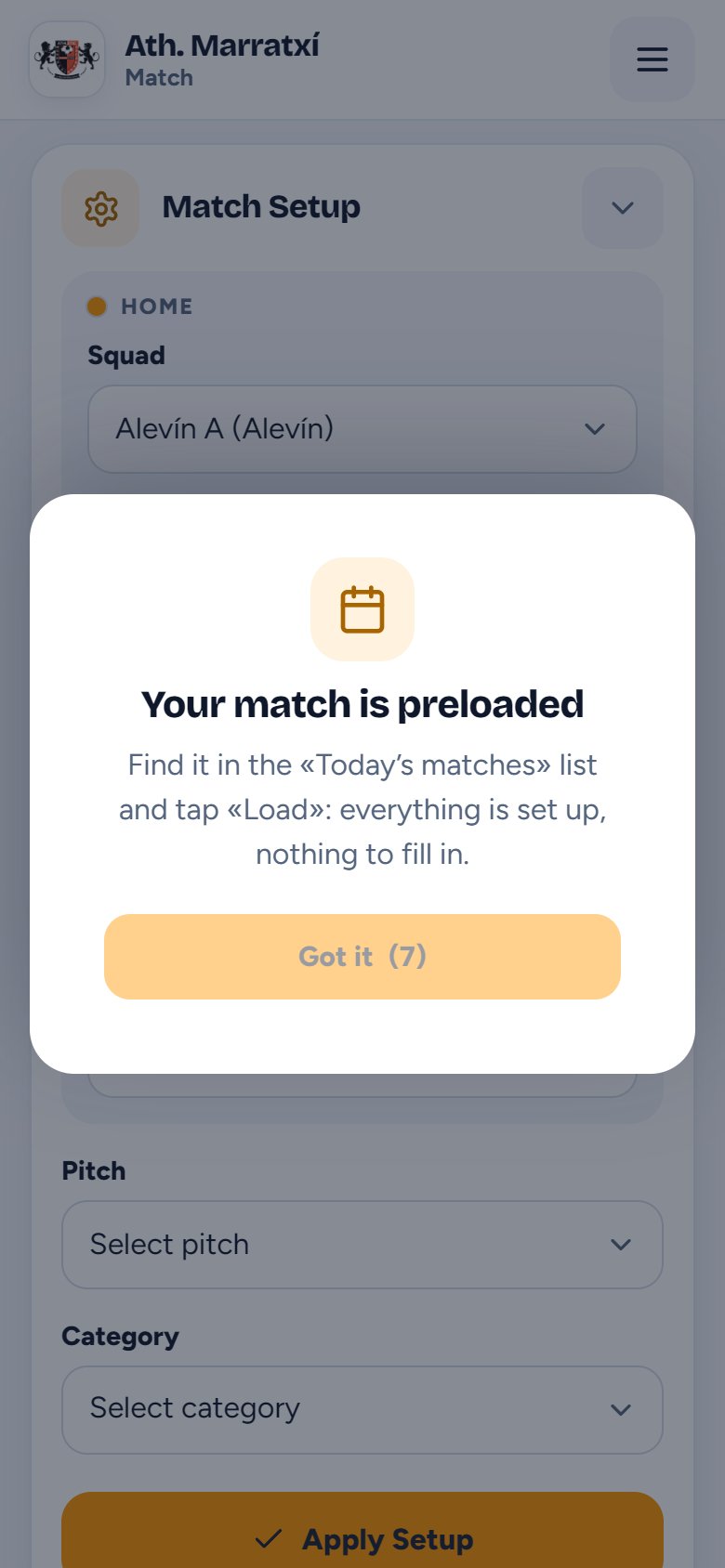
When they open the controls, if their match is already on the schedule, the coach sees it in the middle of the screen: they just find it in the list and tap “Load”.
More than the score and the clock: the match schedule, the team line-up, player photos, phone notifications and space for your sponsors.
The weekend’s matches, entered once by the club. Everything else comes from there:
Choose the photo and the phone itself removes the background and frames it like a passport photo. You see how it will look and decide. The photo never leaves the phone.
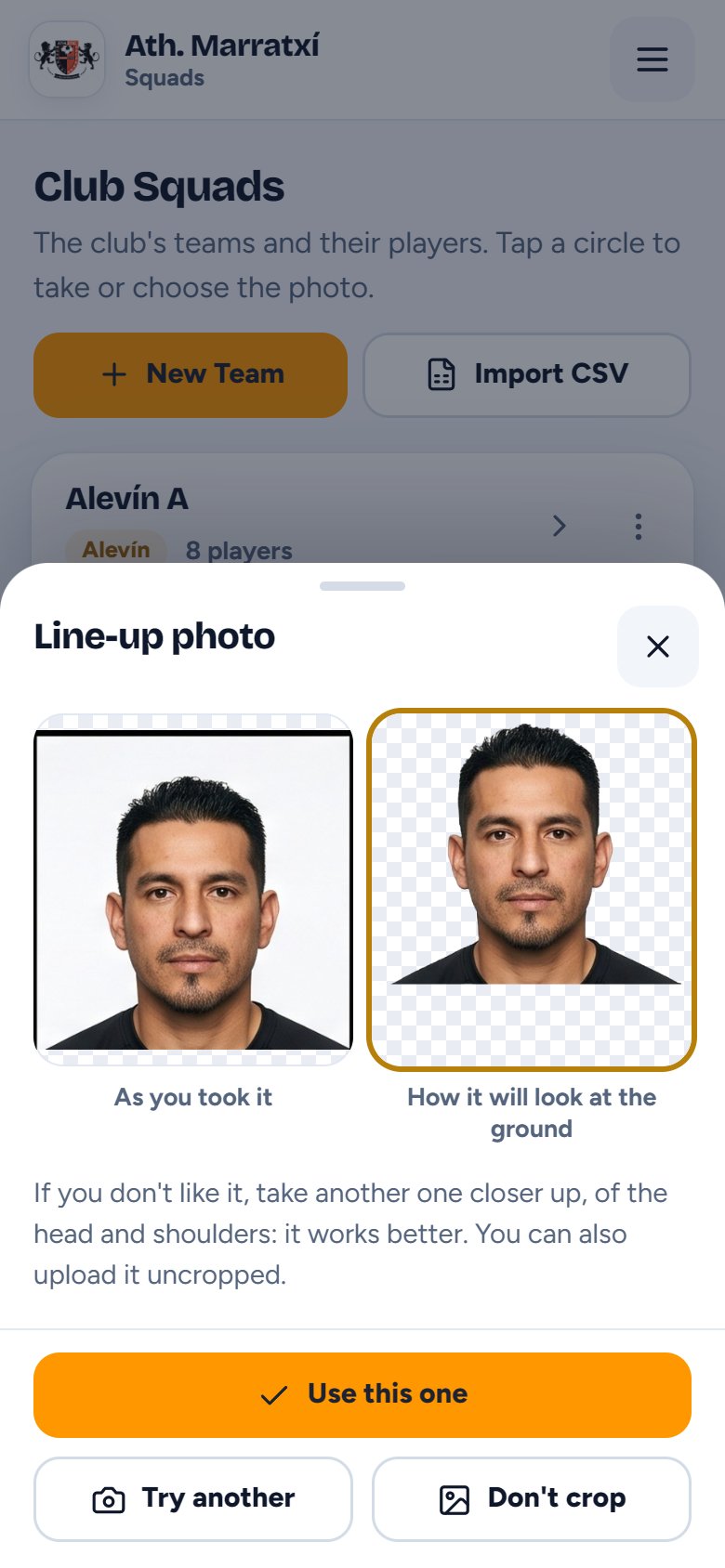
Before kick-off, the screen introduces the players one by one, with their photo, shirt number and name. Start it from the controls with one button.
Record them by tapping the players, and the pitch screen shows who’s coming on and who’s going off, each with their photo.
Each family chooses the teams they follow and what they want to hear about. Notifications arrive even when the page isn’t open.
A short address, easy to share and remember, with the club’s live page and history.
mimarcador.es/
your-club
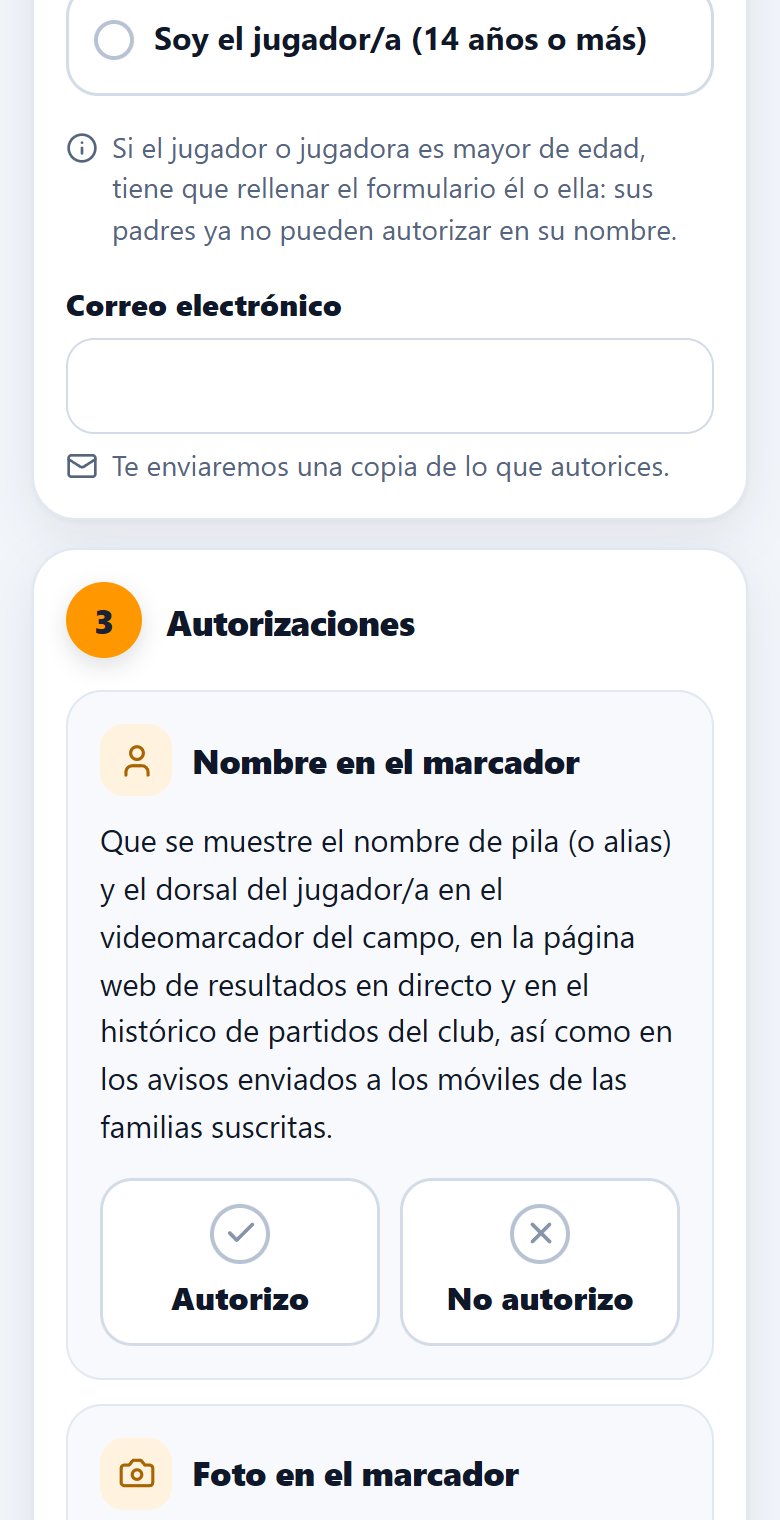
A club form to authorise the name and the photo separately. A copy arrives by email, and permission can be withdrawn by asking the club.
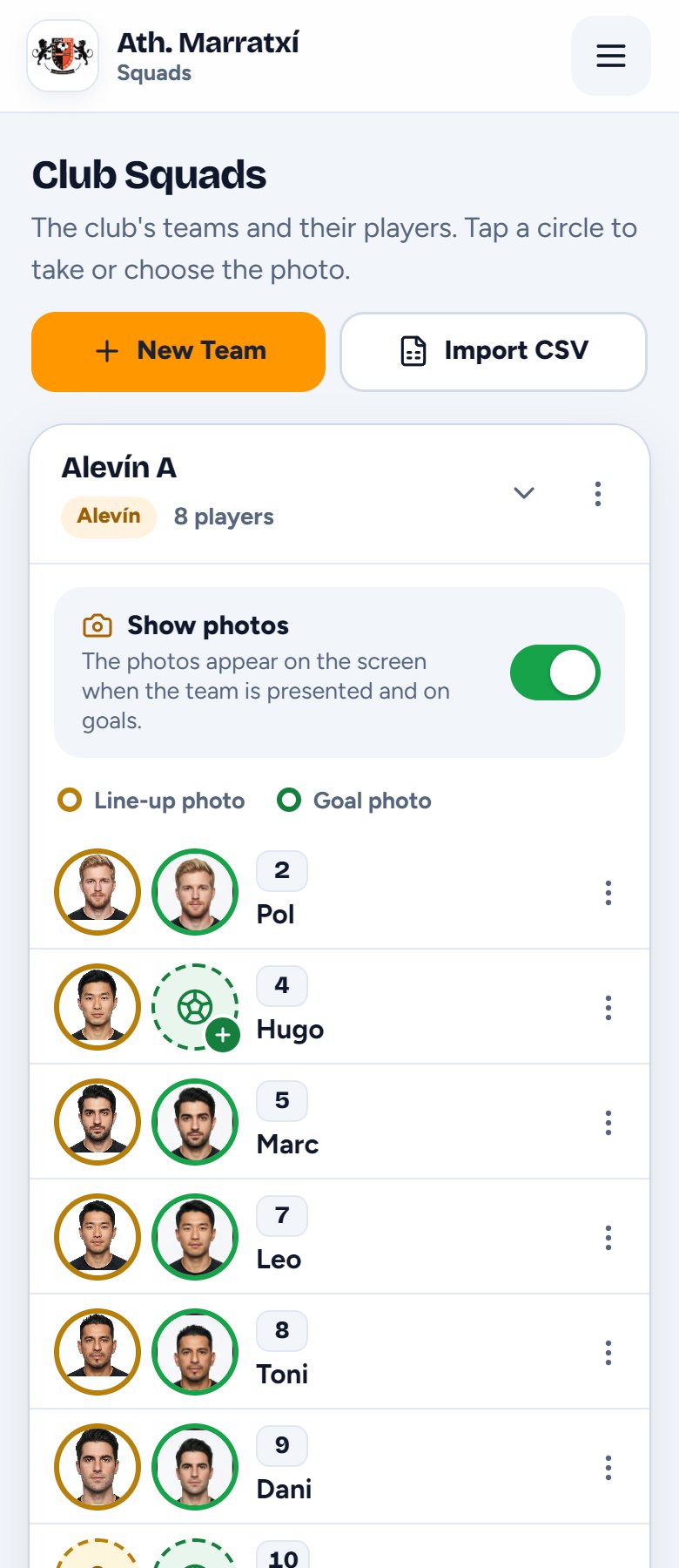
The line-up photo, in the gold circle, and the goal photo, in the green one. Add players one by one or all at once from a CSV.
Upload your sponsors’ images and they take turns on the pitch screen and on the live page families follow.
A written notice, with or without a background image, for as many minutes as you choose. Take it down early if needed.
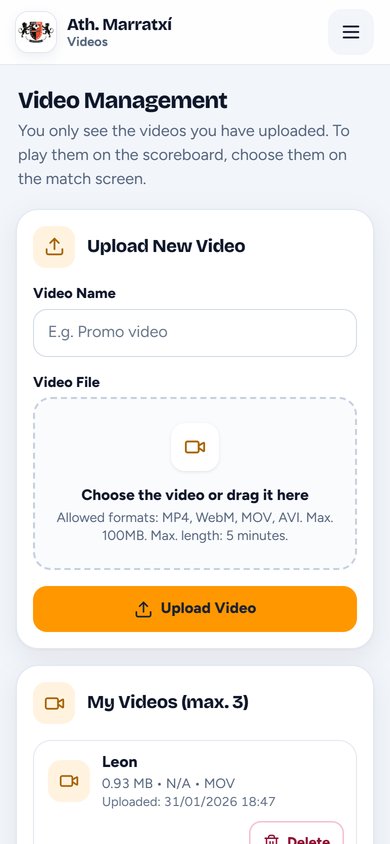
Up to three club videos, launched from your phone. When they end, the scoreboard comes back by itself.
A shared catalogue with search. If an opponent’s crest is missing, request it and it’s added for everyone.
Each age group with its own duration, and the clock knows when each period ends.
When a period is about to end, plus a reminder if you leave the match open.
Card and substitution animations switch on only for the age groups you want. For the little ones, sometimes the goal is enough.
If someone leaves a match open, it can be closed from the club settings and the pitch is free straight away.
Everyone logs in with their own account, and it records who set up the match and who entered each goal.
Matches already played, by date, with the score, the goals and who scored them, the cards and the substitutions.
The crest next to the name, the logo in the background and a colour for each team on the scoreboard.
The club panel and the guides, in Spanish, English and German.
One for whoever runs the scoreboard, one for whoever manages it and one for families.
Screenshots of the screens, exactly as they look on a phone. No mock-ups.
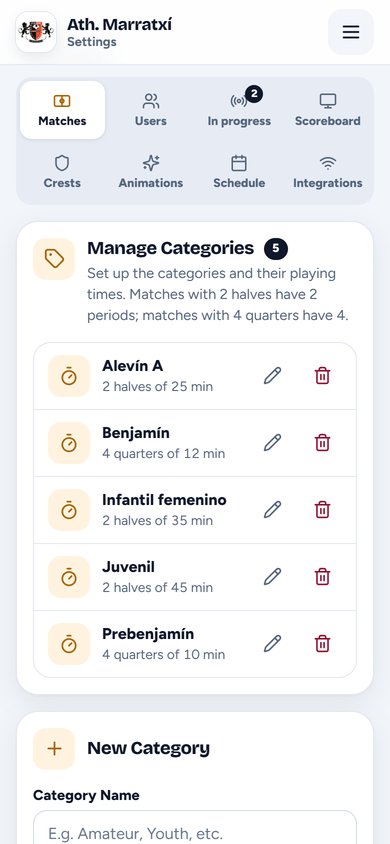
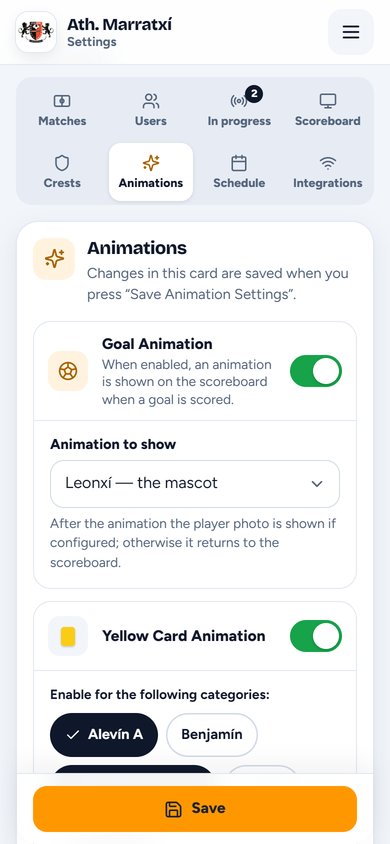
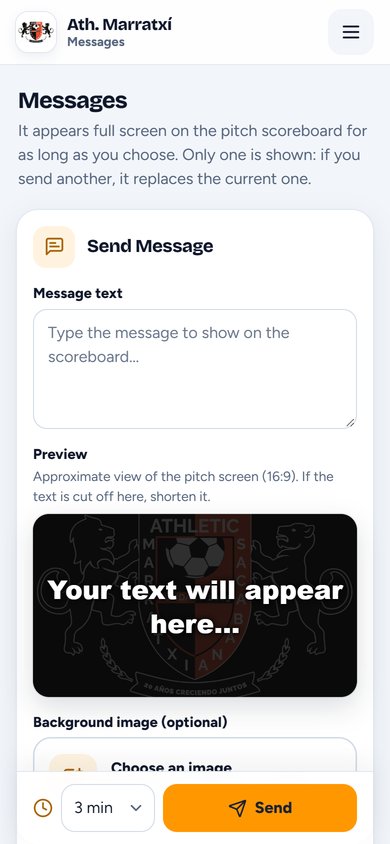

What a pitch with a scoreboard screen usually has already.
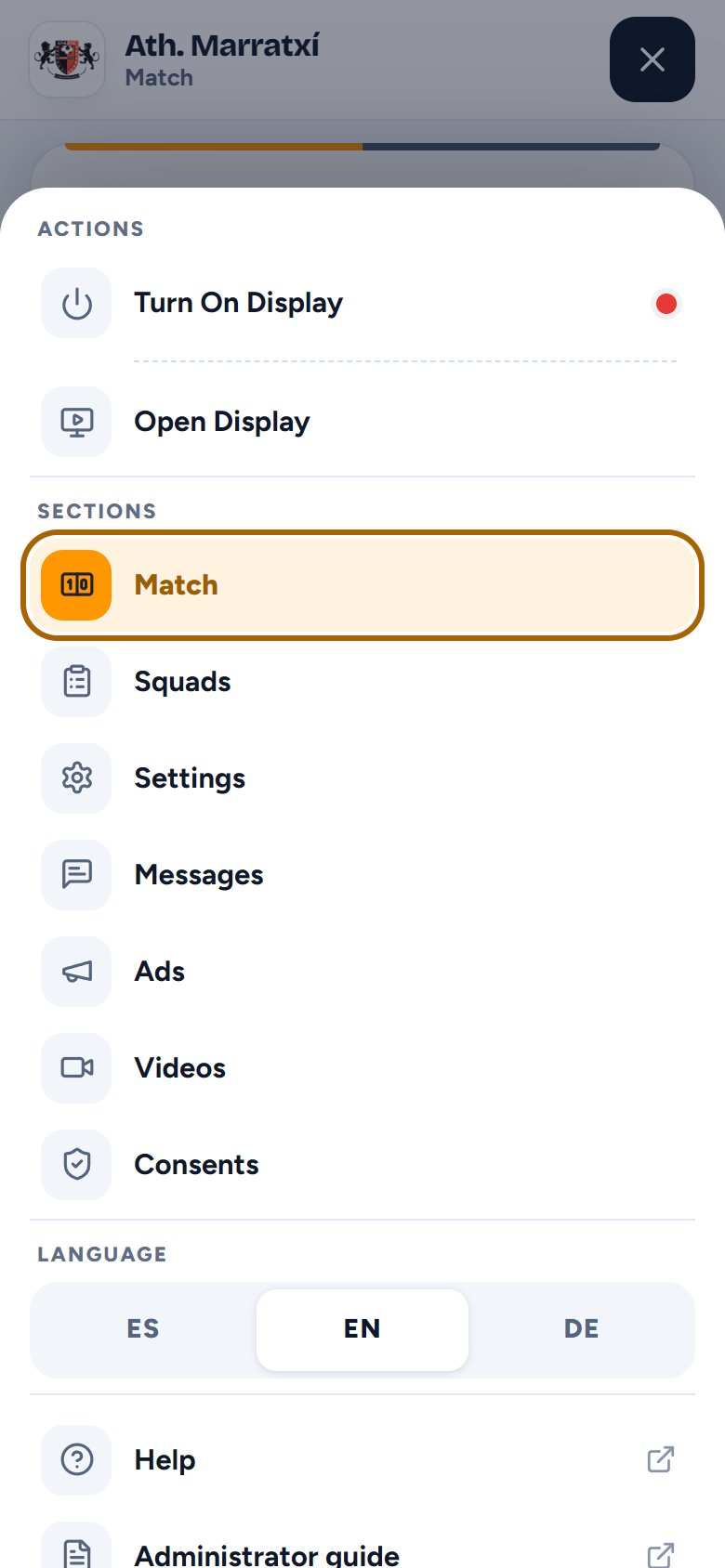
The controls menu has the two pitch buttons:
Nothing a pitch with a screen doesn’t already have.
To run the scoreboard and follow the live page, no: it all works in the phone’s browser. A small program is installed on the pitch screen’s computer to show your club’s scoreboard.
No problem. The server keeps time: even if your phone screen goes off or you lose signal for a moment, the clock keeps running and when you’re back you see the right minute.
Anyone at the club with their own account: the coach, the team manager or whoever’s lending a hand. The session stays open for a month on that phone, so there’s no logging in every week.
Yes. Each age group has its own match format, two halves or four quarters, with its own duration, and “Next Period” moves from one to the next.
The screen shows them all, one after another with the pitch name at the top, as many as the club has pitches. Each match holds its pitch until it ends, so they never clash.
There’s a form for families to authorise the name and the photo separately, with a copy by email. The photo is cropped on the phone itself: it’s never sent to any service.
No. On the pitch screen they appear when no match has the clock running: before kick-off, at half-time and after full time.
With the club’s short address, something like mimarcador.es/your-club. No sign-up needed to view it, and it can be added to the phone’s home screen.
Tell us how many teams and pitches you have and we’ll tell you how to get started.
Thank you. We’ll reply to .